What is changing for 2027?
The VCAA has announced that custom functionality—including user-defined functions (UDFs)—must be restricted on CAS calculators during VCE General Mathematics, Mathematical Methods and Specialist Mathematics exams from 2027. The VCAA also says the arrangements for the 2026 exams have not changed.
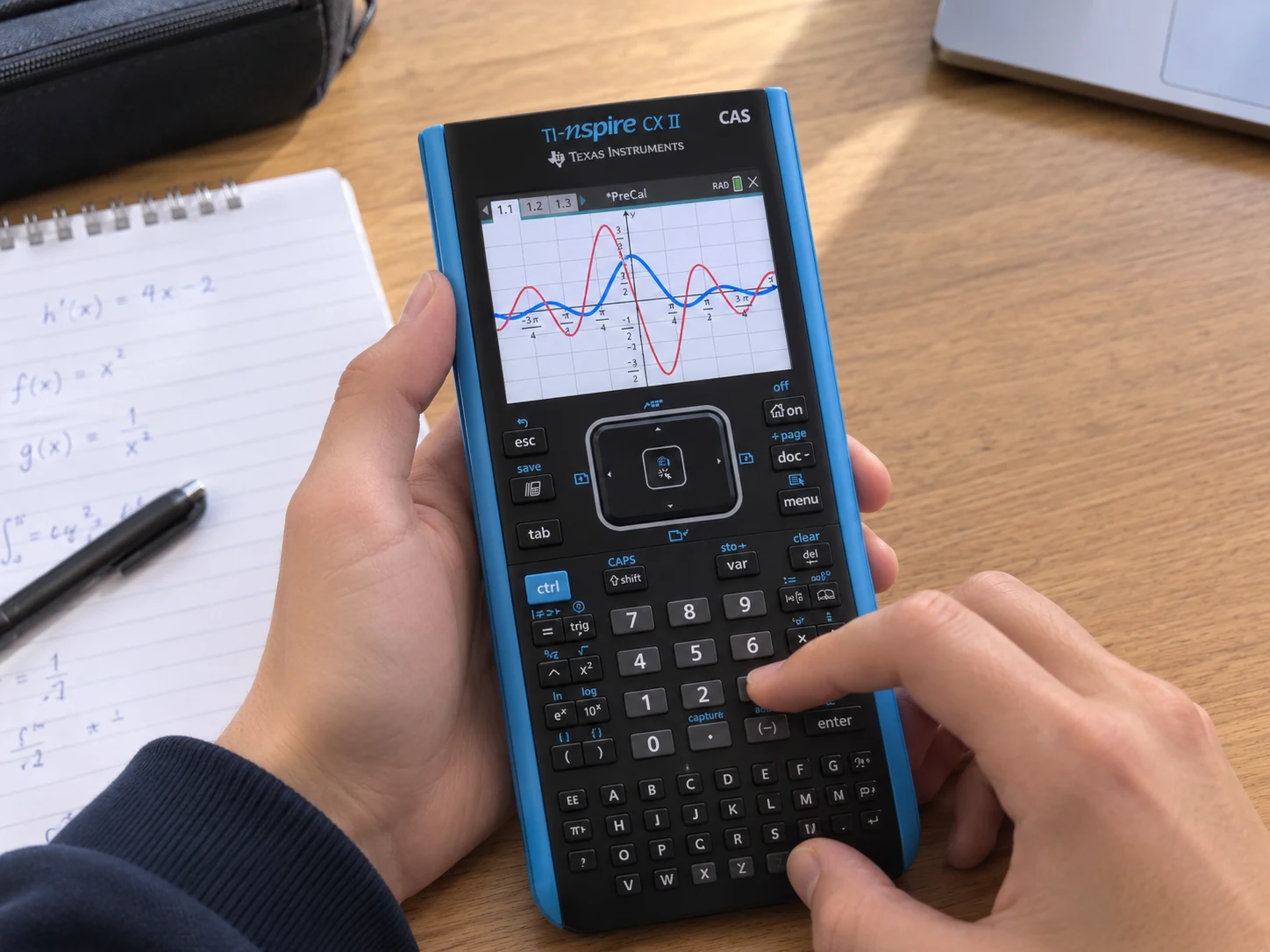
This is an exam restriction, not a direction to permanently remove every custom function from your calculator. For 2027, approved calculators must use a restricted mode that prevents access to features that are not permitted during an exam. Follow your school's instructions for your specific device and wait for the VCAA's detailed setup guidance.
What are calculator UDFs?
A user-defined function is a custom command or routine that someone creates and saves on a calculator. It can combine several steps under one name—for example, a repeated calculation or a particular sequence of operations. Instead of entering each step separately, a student can call the saved function.
That convenience can be useful while practising. But in an exam, a saved routine can also contain retrievable formulas, text or methods. The VCAA's 2027 restrictions are intended to prevent access to those features during the examination, so students need to understand the mathematics and use only permitted calculator tools.
Which VCE mathematics subjects are affected?
The VCAA's announcement names General Mathematics, Mathematical Methods and Specialist Mathematics. How much the change affects your usual workflow will depend on your subject, your calculator and the exam tasks you practise.
VCE General Mathematics
General Mathematics includes topics such as matrices, networks, statistics and financial mathematics. If you have built or used a UDF for a repeated process, practise the permitted standard calculator features and make sure you understand the steps behind the result.
VCE Mathematical Methods
Methods covers functions, algebra, calculus and probability. A custom routine might shorten a repeated calculation, but it cannot replace understanding why a method works. Practise setting up problems with the calculator's standard, permitted tools and be ready to show clear mathematical reasoning.
VCE Specialist Mathematics
Specialist includes topics such as vectors, complex numbers and differential equations. Focus on understanding how to set up each problem, what your calculator output means and which steps you need to communicate in your working.
Calculator permissions can differ between subjects and individual exam papers. Check the current VCAA approved-technology information and the examination specifications for your exact subject and paper.
Why are the rules changing?
The VCAA says the change follows consultation with teachers and students. It explains that the aim is for assessments to reflect students' learning of the mathematical concepts in the study designs. This is a change to what calculator functions may be accessed during exams; it does not mean CAS calculators themselves are no longer used.
How to prepare without relying on UDFs
You can start building confidence with standard calculator features while keeping your study routine focused on understanding, not simply memorising commands.
- Learn the permitted built-in features on your approved calculator, and understand what each result tells you.
- Practise showing the mathematical steps and reasoning, rather than relying on a stored routine to produce an answer.
- Try timed practice questions using only features permitted for that subject and exam paper.
- Ask your teacher which calculator model and settings you should practise with for 2027.
- Use the latest VCAA guidance when it is released; the VCAA says detailed implementation information will follow the 2026 examinations.
If you are sitting a 2026 exam, the VCAA says the current arrangements have not changed. Keep following the instructions for your exam year rather than changing your calculator settings based on the 2027 rules.
Official VCAA sources
Check these official pages for the latest approved calculator models, subject-specific exam rules and implementation guidance. Requirements can be updated, so use the information that applies to your exam year.
- VCAA Notice to Schools 52 — CAS calculator functionality in 2027
The May 2026 announcement explains the 2027 restrictions, confirms no changes to 2026 arrangements and says detailed instructions will follow the 2026 exams.
- VCAA approved technology for VCE Mathematics
Check approved CAS calculators and the restricted-mode features that are not permitted during 2027 examinations.
- VCAA Notice to Schools 66 — approved technology for 2027
The June 2026 update points schools to the approved technology list for 2027 VCE Mathematics examinations.
Focus on the mathematics, not just the shortcut
A calculator can make some steps faster, but understanding is what helps you choose a method, interpret an answer and explain your work. Practise with the permitted built-in features, check your teacher's advice and follow the VCAA rules for your exam year.